
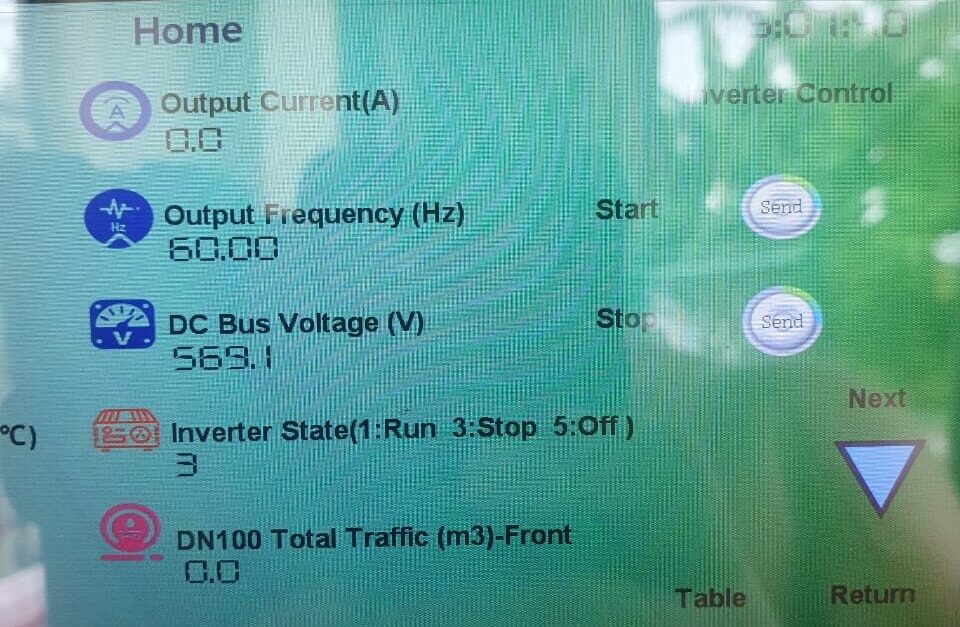
Smart monitoring is useful only when it helps operators prevent downtime, understand alarms, and reduce unnecessary trips to remote pumping sites.
IoT should not be added to a solar pumping project because it sounds modern. It should answer field questions. Is the pump running today? Did it stop because of weak sunlight, dry-run protection, overload, or a wiring issue? Does the site need a technician now, or can the operator wait until the next service visit?
For B2B buyers, solar pump monitoring is not about a dashboard full of attractive charts. It is about water security, faster diagnosis, lower service cost, and clearer responsibility between the site owner, distributor, EPC team, and factory.
A monitored solar pump inverter becomes more valuable when the site is remote, the pump is large, or downtime affects crops, livestock, municipal supply, or customer trust.
Start With the Decisions the Data Must Support
The first question is not which communication module to buy. The first question is what decision the operator must make when a fault appears. A farm owner may need to know whether the tank filled today. A municipal operator may need alarm visibility across several wells. A distributor may need fault evidence before sending spare parts.
Good monitoring turns a vague complaint into a technical conversation. Instead of hearing “the pump is not working,” the service team can ask for PV voltage, motor current, operating frequency, stop history, and fault code.
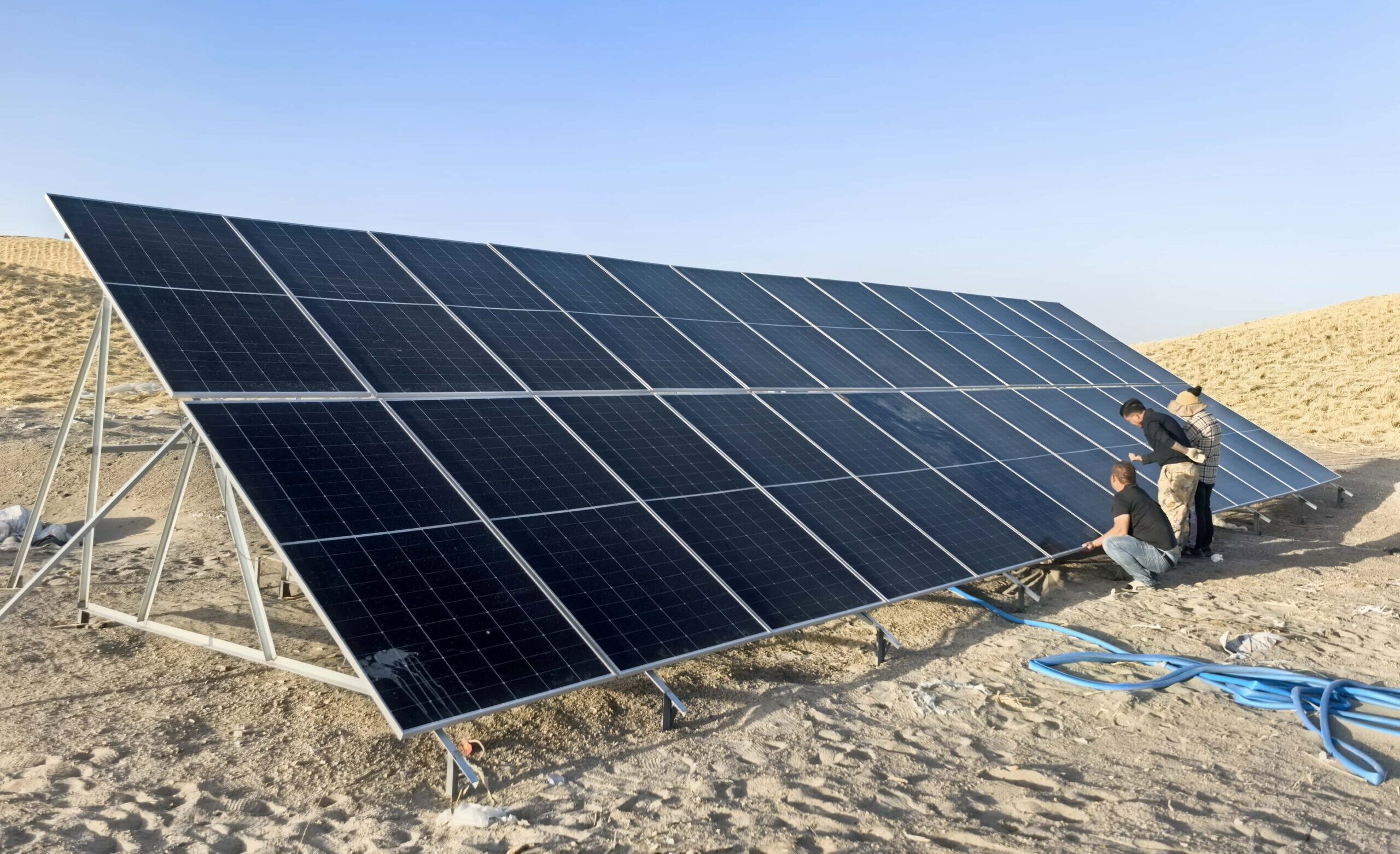
Data Points That Actually Help in the Field
| Data point | Why it matters | Typical action |
|---|---|---|
| Running status | Shows whether the pump is active or stopped | Confirm water schedule |
| Fault code | Shows what protection was triggered | Guide diagnosis |
| PV input voltage | Shows whether the array is supplying enough voltage | Check panel string, shading, or wiring |
| Output frequency | Shows how fast the inverter is driving the pump | Review sunlight and load behavior |
| Motor current | Shows pump load | Check overload, sand, pipe blockage, or pump match |
| Runtime history | Shows daily operation pattern | Compare with water demand |
These are not glamorous signals. They are useful signals. They tell the technician where to look first.
Where IoT Makes Commercial Sense
Remote monitoring should earn its place in the project budget. It makes the most sense when a site visit is expensive, a pump failure causes real loss, or the buyer manages many pumping points.
- Remote wells where a technician may travel hours to inspect one alarm.
- Large irrigation blocks where missed pumping days affect crop planning.
- Municipal or village water supply where operators need uptime visibility.
- Distributor after-sales programs where fault evidence reduces warranty arguments.
- High-power systems where one wrong replacement costs more than monitoring hardware.
For three-phase high-duty systems, monitoring is often paired with an inverter path such as SP4, because the cost of downtime is higher and the fault data is worth more.
What Monitoring Cannot Fix
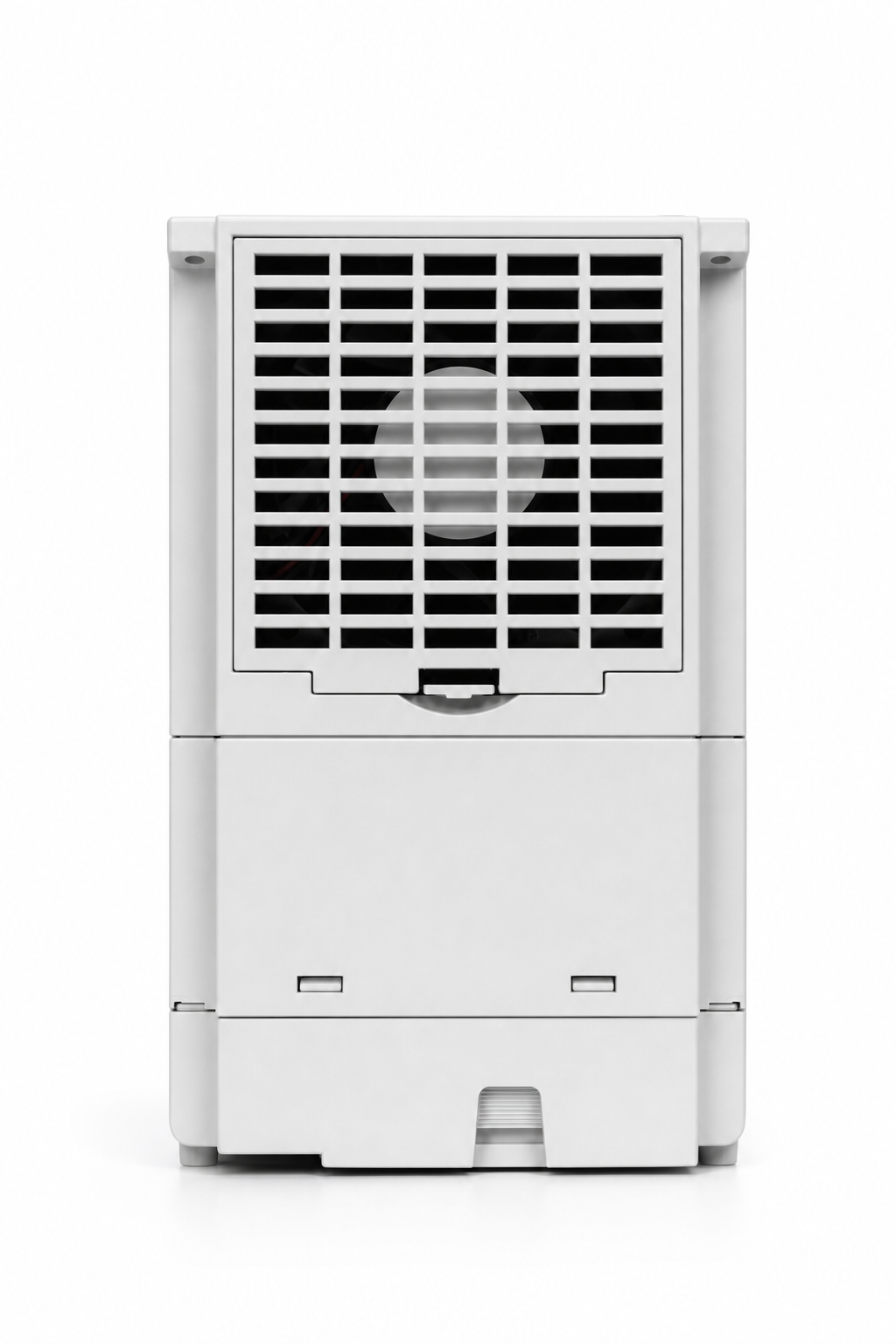
Monitoring does not fix a poor design. If the PV array is undersized, the pump curve is wrong, or the cabinet is installed in a hot unventilated location, the dashboard will only show the problem more clearly.
This is important for procurement teams. Do not buy IoT to cover weak system design. Use monitoring to support a system that is already matched correctly.
Design the Alarm Workflow Before Installation
An alarm without a response plan creates noise. Before installation, decide who receives alarms, who checks data, who calls the site owner, and who approves a service visit. Also decide which alarms need immediate action and which can wait.
| Alarm type | First review | Possible next step |
|---|---|---|
| Low PV voltage | Panel string and sunlight record | Check shading, wiring, or panel count |
| Overload | Motor current and pump condition | Inspect sand, pipe blockage, valve, or pump curve |
| Dry-run | Well level and restart setting | Review water source and protection timing |
| Frequent stops | Runtime and fault history | Check parameter settings and site conditions |
Communication Conditions Matter
Some remote pumping sites have weak mobile coverage. Others need a local display because the operator has no stable internet access. Before promising remote monitoring, confirm signal coverage, SIM card plan, gateway location, cabinet protection, and who will maintain the communication device.
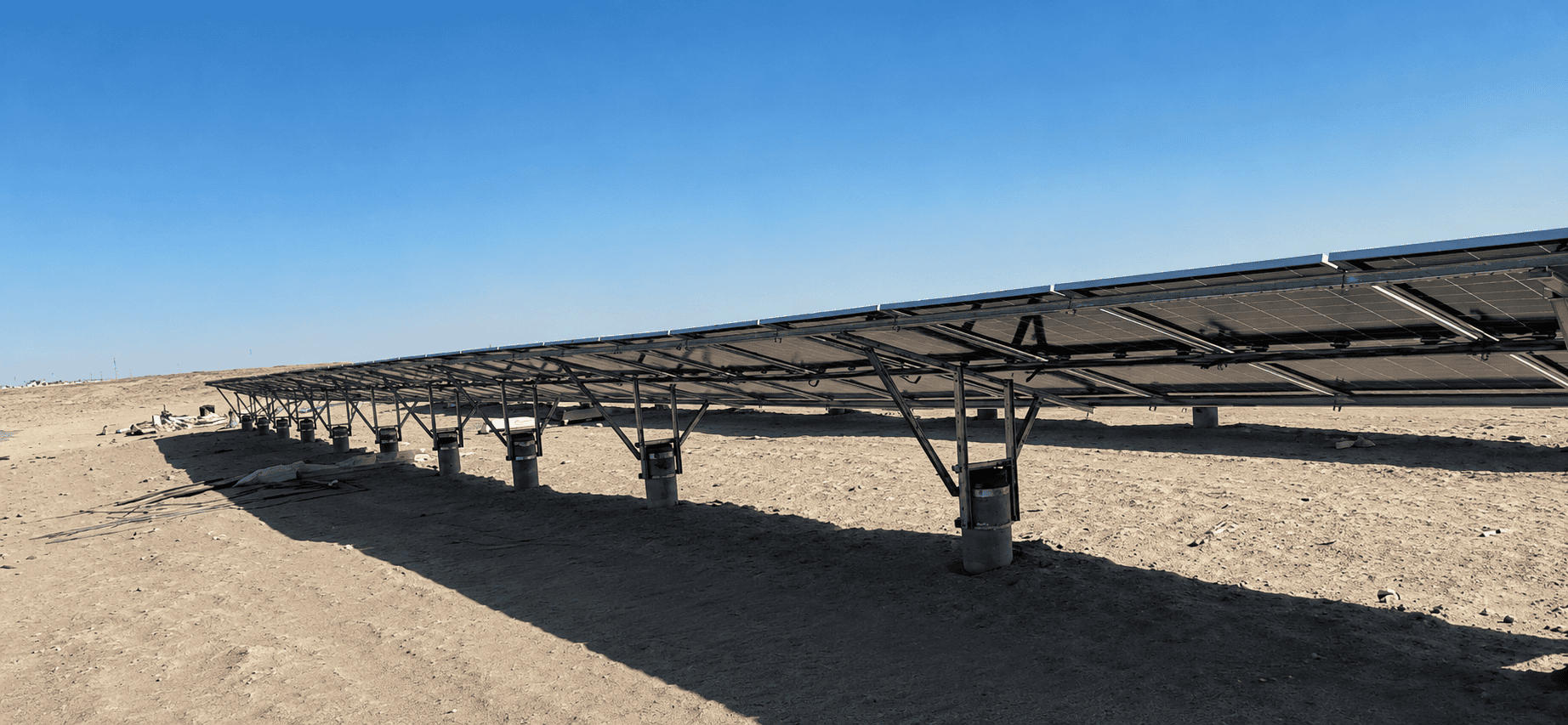
For larger projects, it may be useful to compare visible installation conditions on the Solarseeker project cases page. Use those examples as site-condition references, not as copied designs.
How Distributors Can Use Monitoring Better
For distributors, monitoring can become part of the service model. It helps them build a first-level support process. The local team can collect data, screen common installation errors, and escalate only the cases that need factory engineering support.
This reduces wasted freight and repeated site visits. It also helps a distributor prove value beyond selling boxes.
Choose Local Display, Remote Monitoring, or Both
Not every project needs the same monitoring level. Some sites need only a local keypad and clear fault display. Other sites need remote status because nobody visits the pump every day. Larger projects may need both.
| Monitoring level | Best fit | Watch-out |
|---|---|---|
| Local display only | Small nearby farms | Owner must inspect the site |
| Remote alarm only | Remote wells with simple operation | Alarm workflow must be clear |
| Remote data logging | Municipal or distributor service programs | Data must be reviewed, not ignored |
| Monitoring plus sensors | Tank level or water-source control | Sensor quality and wiring matter |
Procurement Mistakes With Smart Pumping Projects
The most common mistake is buying the communication feature without defining the service process. Another mistake is asking for too much data when the local team only needs three alarms. More data does not automatically mean better operation.
Procurement teams should also check who owns the account, who can view the data, how passwords are managed, and whether the distributor can support the system after the first installation. This is especially important for public or municipal water projects.
Finally, do not let the monitoring budget reduce the budget for correct PV sizing, cabinet protection, or installation quality. A clear dashboard cannot protect an inverter installed in a hot, dusty cabinet with poor ventilation.
What to Confirm Before Acceptance
For project acceptance, do not stop at checking whether the dashboard opens. Ask the installer to prove that running status, stop events, alarm codes, and basic electrical data are visible. If tank level or water-level sensors are included, confirm that the signal changes correctly in the monitoring view.
The buyer should also confirm who keeps the login, who receives alarm messages, and how data will be handled if the distributor changes service staff. These small details prevent confusion after the first fault call.
FAQ
Does every solar pump need IoT monitoring?
No. A small pump near the owner may only need a clear local display and reliable protection. IoT is most useful when distance, downtime, or multi-site management creates real cost.
Can monitoring replace local maintenance?
No. Monitoring helps diagnosis, but terminals, grounding, cable condition, cabinet ventilation, pump wear, and water source conditions still need field inspection.
What is the most useful monitoring data for after-sales support?
Fault code, PV input voltage, output frequency, motor current, and runtime history are usually the most useful data points for first diagnosis.
Before You Add IoT to the Quotation
Add monitoring when it supports a clear operating decision. Confirm communication coverage, required data points, alarm workflow, site distance, pump size, and support responsibility. Send those details to Solarseeker before adding IoT to the project scope.